
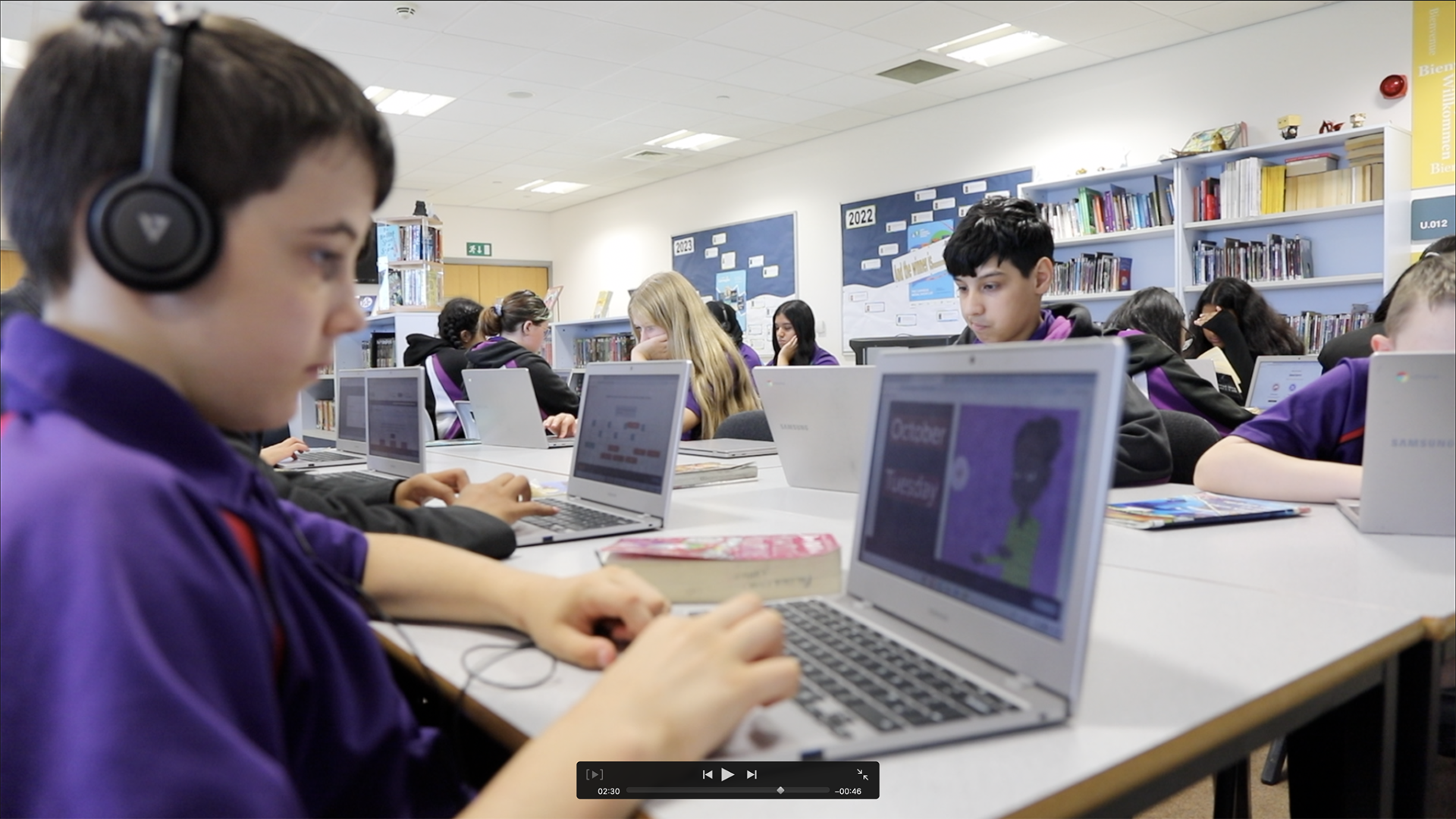
Apps and Platforms
Falinge Park High School offers a range of online services for pupils, parents and staff. Access the various services using the links below and you can catch up with any service related news.
We would like to remind all users (staff, students and parents) to conduct themselves safely and responsibly whilst using any of our services. Please report any issues to school. Failure to comply may result in your access to these services being withdrawn.
| App / Platform | What is it used for? | How is it accessed? |
|---|---|---|
 | Google Classroom is used for classwork and homework, extra reading and learning opportunities | Students log into their school account via classroom.google.com or download the app itself |
 | Google Drive – Access and create files. Google Drive is your online storage area accessible from anywhere. | Online or via app. |
 | Outlook Web App – Check your email | Online or via app. |
 | Arbor – Do you have the Arbor App? – We send all our communication from our school using Arbor which allows us to send direct messages to your mobile, share reports and enables you to top up your child’s lunch account. To keep up to date please download Arbor here Once downloaded it’s easy to get set up but please be aware you will need an email address and this must match the one we hold on file for you. If it’s your first time logging in with the app click I forgot my password and a reset password link will be sent to you by email, click this link to finish creating your account. Select Falinge Park High School and verify your account using your child’s date of birth (If you have more than 1 child at the school, please confirm the date of birth of your eldest child. Once you are logged in, you will be able to switch between children) Further help can also be found here Parent Portal and Arbor App – Getting started and logging in – Arbor Help Centre or by contacting the school directly on our dedicated email admin@falingepark.com | Via app |
 | Accelerated Reader – Website which allows students to quiz on books they have read | Online |
 | Accessit Library – Online Library | Online |
 | Bedrock Learning – Digital learning through literacy | Online |

A study guide for pupils & parents
For more detailed information about each of the strategies mentioned in this guide visit the Learning Scientists website.

Learn-Quiz-Practice is a useful approach to help you organise your studies and revision.
Your subject teachers may also let you know about specific resources for different subjects.

Make a timetable to help you plan your revision. You can download this template as a pdf.
For more detailed guidance on revision and study skills visit the BBC Bitesize Study Support pages .